

You may have well-written content, strong backlinks and thorough keyword research. But if your website loads slowly, freezes when someone taps a button, or jumps around while a visitor reads, people will leave. In India, that happens fast.
Many Indian users browse on mid-range Android phones. Network quality changes from a metro 5G connection to a patchy 4G signal in a Tier-2 or Tier-3 town. Visitors don’t wait around, so website experience is now a core part of SEO.
At Kiefads, we often see businesses spend heavily on content and ads while ignoring the technical experience that decides whether visitors stay. This guide explains what Core Web Vitals are, how they relate to SEO, and what Indian businesses should focus on in 2026.
One honest caveat first: good Core Web Vitals do not guarantee higher rankings. Google weighs many factors, and content relevance is one of the biggest. Core Web Vitals help you find and fix real problems that frustrate users.
What Are Core Web Vitals?
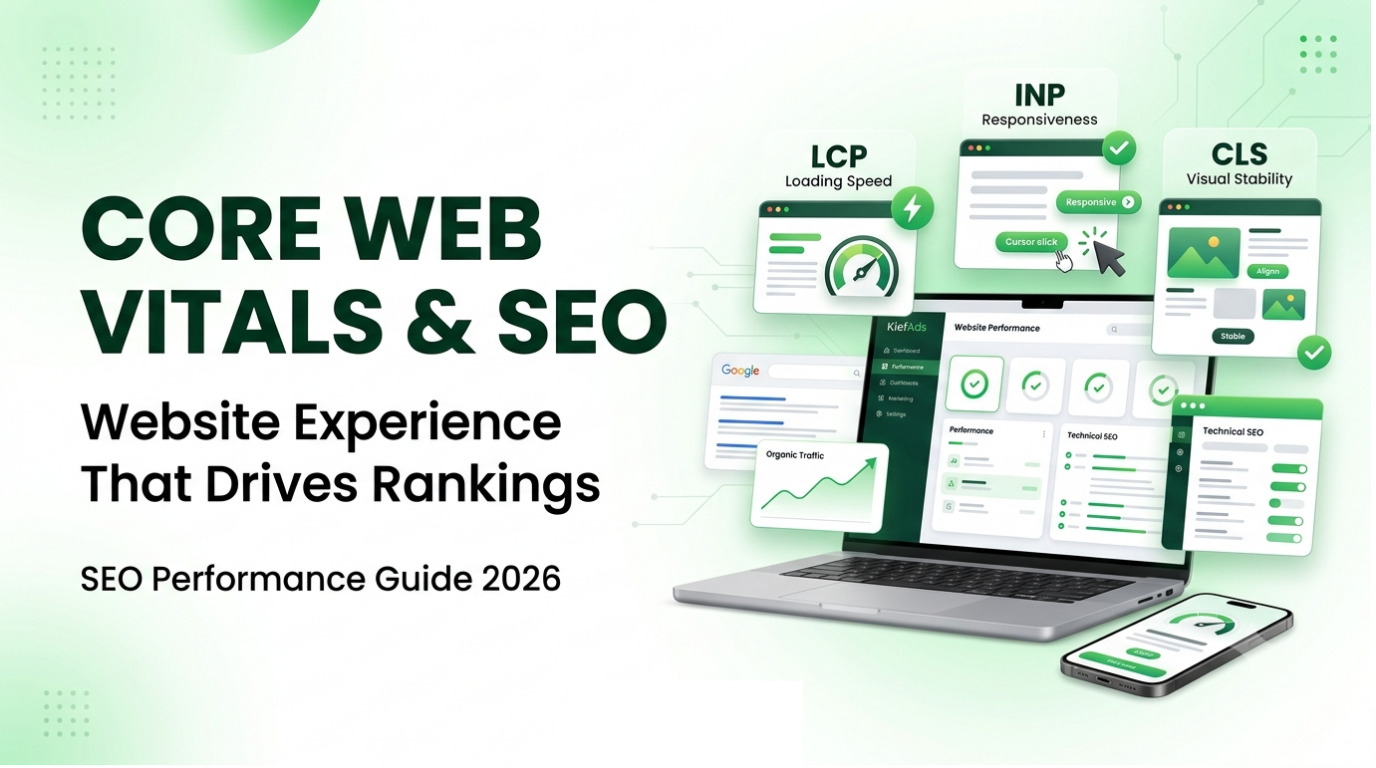
Core Web Vitals are a set of metrics Google uses to measure real-world user experience on a webpage. They focus on three things: how fast a page loads, how quickly it responds, and how stable it is visually.
The three current metrics are:
- LCP (Largest Contentful Paint): loading performance
- INP (Interaction to Next Paint): responsiveness
- CLS (Cumulative Layout Shift): visual stability
INP replaced the older FID (First Input Delay) metric in March 2024. If a guide still talks about FID as a Core Web Vital, it is out of date.
LCP: How fast does the main content appear?
LCP measures how long it takes for the largest visible element on the screen to load. That is usually a hero image, a banner, a product photo or a large block of text.
- Good: 2.5 seconds or less
- Needs improvement: 2.5 to 4 seconds
- Poor: more than 4 seconds
A heavy banner image or a slow server can push your LCP over the limit, especially on mobile networks.
INP: How quickly does your site react?
INP measures how quickly a page responds when a visitor taps, clicks or types. It looks at interactions across the whole visit, not just the first one.
- Good: 200 milliseconds or less
- Needs improvement: 200 to 500 milliseconds
- Poor: more than 500 milliseconds
If a menu opens late, a filter lags or a “Buy Now” button feels stuck, your INP is probably suffering. Heavy JavaScript is the usual cause.
CLS: Does your page stay stable?
CLS measures unexpected movement of elements while the page loads.
- Good: 0.1 or less
- Needs improvement: 0.1 to 0.25
- Poor: more than 0.25
You have likely seen this yourself. You are about to tap a button, an ad loads, the layout shifts and you tap the wrong thing. Images without set dimensions, late-loading banners, pop-ups and web fonts are common causes.
Google evaluates these thresholds at the 75th percentile of real-user visits. That means 75% of visits to a page should meet the “good” standard for the page to pass.
Why Website Experience Matters for SEO
Google’s goal is to show users results that are useful, relevant and satisfying. Page experience is one signal in that larger picture. It includes:
- Core Web Vitals
- Mobile usability
- Secure browsing (HTTPS)
- Avoiding intrusive interstitials, such as pop-ups that cover the main content
Think of it this way: content relevance gets you into the conversation, and page experience helps you keep the visitor. A slightly slower website with the best answer to a query can still outrank a faster site with weaker content. But if two pages are similarly relevant, a better experience can work in your favour.
There is also an indirect benefit. A faster, smoother website usually leads to lower bounce rates, more page views per session and better conversion rates. Those are business results, whatever their effect on rankings.
Why This Matters More in India
India is one of the most mobile-first internet markets in the world. For most Indian businesses, the mobile version of the website is the real website. Several things make performance especially important here.
1. Mobile-first usage. Most visitors reach Indian websites on smartphones. Google also uses mobile-first indexing for most sites, meaning it mainly uses the mobile version of a page to crawl and index it. A site that looks great on a desktop but struggles on a phone is quietly losing visibility and customers.
2. Device variety. Many users have budget or mid-range Android phones with limited processing power. A page full of animations and scripts that runs well on a premium phone can feel slow on these devices. That directly hurts INP and LCP.
3. Network variability. Connection quality differs between cities, towns and rural areas, and even between indoor and outdoor locations in the same city. Your lab test on office Wi-Fi does not reflect what a user on a congested network experiences.
4. High-traffic moments. Festive seasons such as Diwali, Dhanteras, Navratri and big sale events bring sudden traffic spikes. Websites that are not optimised can slow down or crash at exactly the moment demand is highest.
5. Regional and multilingual content. Many Indian websites serve content in Hindi and other regional languages. Non-Latin scripts often need extra fonts, which can slow loading and cause layout shifts if not handled well.
6. Server location. If most of your audience is in India but your site is hosted far away without a CDN, the delay before the first response (TTFB, Time to First Byte) increases. This hurts LCP.
Common Causes of Poor Core Web Vitals
When Core Web Vitals are poor, the cause is usually a handful of recurring issues.
Large, unoptimised images
Images often account for most of a page’s weight. Photos uploaded straight from a phone or camera can be several megabytes. Resize them to the size actually displayed and compress them. Use modern formats like WebP or AVIF where appropriate, and lazy-load images below the fold. Never lazy-load your main hero image, because that can make LCP worse.
Heavy JavaScript
JavaScript makes pages interactive, but too much of it delays loading and makes the page feel unresponsive. Page builders, sliders, animation libraries and unused plugins often add far more code than needed. Remove what you don’t use, and defer or delay non-essential scripts.
Slow server response
If the server takes too long to answer, front-end fixes can only help so much. Cheap shared hosting, overloaded servers and poorly configured databases are common culprits. Consider better hosting, server-side caching and a CDN with good coverage in India.
Too many third-party scripts
Analytics tools, chat widgets, heatmaps, social media embeds, advertising pixels and review plugins each add requests. Many Indian business sites also run several tracking tools at once. Audit them and keep only the ones that give you real value.
Unoptimised fonts
Custom fonts, especially for Hindi or other regional languages, can be large. Limit the number of font families and weights, serve only the character sets you need, and use font-display settings so text stays visible while fonts load.
Missing image and ad dimensions
When width and height are not defined, the browser doesn’t know how much space to reserve, and the layout shifts when the content loads. Reserve space for images, embeds, banners and ad slots.
Unnecessary plugins and bloated themes
This is common on WordPress sites. Each extra plugin can add scripts, styles and database queries. Remove the ones you don’t need and choose a lightweight theme.
How to Improve Your Website Performance: A Step-by-Step Process
You don’t need to rebuild your website. Follow a structured process and fix the highest-impact issues first.
Step 1: Test your important pages, not just the homepage
Different page templates have different problems. Test:
- Homepage
- Service or category pages
- Product pages
- Blog posts
- Landing pages for ads
- Contact and checkout pages
Step 2: Use PageSpeed Insights
Google’s PageSpeed Insights shows both lab data and, where available, real-user field data from the Chrome User Experience Report (CrUX). Don’t focus only on the overall score. Read the diagnostics to see which specific issues are costing you the most.
Step 3: Check the Core Web Vitals report in Google Search Console
Search Console groups your URLs by performance and shows which groups are good, need improvement or are poor, on mobile and desktop. This is especially useful for larger sites, since it reveals patterns across entire templates.
Step 4: Prioritise high-impact fixes
Start with:
- Poor LCP on key landing pages
- Poor INP on pages with forms, filters or checkout
- High CLS caused by images, banners or ads
- Slow server response
- Oversized images
- Render-blocking JavaScript and CSS
- Your most important mobile pages
Step 5: Retest and monitor
Performance isn’t a one-time job. Retest after fixes, and again after any redesign, plugin update or new script. Field data can take about 28 days to fully reflect improvements, so give changes time before judging the results.
Field Data vs Lab Data
Many site owners are confused when PageSpeed Insights and Search Console show different results. The reason is that they measure different things.
Lab data is collected in a controlled environment with fixed device and network settings. It is useful for debugging because results are repeatable.
Field data comes from real users on their actual devices, browsers and connections. It reflects what your audience really experiences, and it is what Google’s Core Web Vitals assessment is based on.
For an Indian audience, the gap can be large. A page that feels fast on a developer’s laptop with fibre broadband may feel slow to a visitor on a mid-range phone in a crowded area. Use lab data to diagnose and field data to judge real performance.
Technical SEO Improvements Worth Prioritising
Website performance is one part of technical SEO. These are the common improvements that pay off:
- Compress and resize images; use WebP or AVIF
- Reduce and defer unnecessary JavaScript
- Remove unused CSS
- Improve server response time and upgrade hosting if needed
- Use a CDN with good coverage in India
- Enable browser and server caching
- Limit third-party scripts
- Optimise fonts, especially for regional languages
- Set width and height on images and embeds
- Remove unused plugins and heavy themes
- Make sure the site uses HTTPS and is mobile-friendly
You don’t need to do everything at once. Start with the pages that drive the most traffic, leads or revenue.
Does Improving Core Web Vitals Guarantee Better Rankings?
No, and this is the most important point to understand.
Core Web Vitals are part of Google’s page experience considerations, but they are not a shortcut to the top of search results. Google has said that great page experience doesn’t override relevant, helpful content. Search intent, content quality, authority and relevance still matter most.
So the right approach is balanced:
- Create genuinely useful, expert content that matches search intent.
- Build a technically sound website that loads fast and works smoothly on mobile.
- Treat performance as one part of the user experience, not a standalone trick.
A Website Performance Checklist for 2026
Before you call your website technically healthy, check these:
- Core Web Vitals tested for key pages
- Mobile performance reviewed on real devices
- Images compressed, resized and in modern formats
- Unnecessary JavaScript removed or deferred
- Unused plugins removed
- Third-party scripts reviewed
- Server response time acceptable for Indian visitors
- CDN and caching enabled
- Fonts optimised, including regional language fonts
- Layout stable, with no unexpected shifts
- Real-user data monitored in Search Console
- Key templates retested after every major change
- Site prepared for festive or sale-season traffic spikes
The Final Note
Website performance is not just about a score in PageSpeed Insights. It is about how quickly your pages load, how easily people can use them and how comfortable visitors feel on your site, whether they are on a high-end phone in a metro city or a budget device in a smaller town.
Core Web Vitals, technical SEO and website performance should be treated as ongoing work, not a one-time task. Start with your most important pages, use PageSpeed Insights and Google Search Console to find the biggest issues, fix them, and measure the results.
You don’t need a perfect score on every metric. You need a website that loads quickly, responds instantly, stays stable and delivers useful content to the people searching for it.
Need help with Core Web Vitals or website speed?
The team at Kiefads can run a detailed technical SEO audit of your website. We identify what is slowing you down, explain why, and give you a clear, prioritised action plan built around your Indian audience.
Get in touch with Kiefads today and find out what’s holding your website back.
Frequently Asked Questions
Q1. What are Core Web Vitals?
Core Web Vitals are Google’s metrics for measuring key aspects of user experience. They are LCP (loading), INP (responsiveness) and CLS (visual stability).
Q2. Do Core Web Vitals directly affect SEO rankings?
They are part of Google’s page experience considerations, but they don’t guarantee higher rankings. Google also weighs relevance, content quality, authority and search intent.
Q3. What is a good Core Web Vitals score?
An LCP of 2.5 seconds or less, an INP of 200 milliseconds or less and a CLS of 0.1 or less are considered good, measured at the 75th percentile of real-user visits.
Q4. Why is website speed especially important in India?
Most Indian users browse on mobile, often on mid-range devices and variable networks. Slow pages lose visitors quickly, and Google’s mobile-first indexing means your mobile experience matters most.
Q5. How can I improve my website speed?
Compress images, reduce unnecessary JavaScript, improve server response time, use a CDN and caching, review third-party scripts, optimise fonts and remove unused plugins.
Q6. How do I check my Core Web Vitals?
Use Google PageSpeed Insights for individual pages and the Core Web Vitals report in Google Search Console for site-wide data. The Chrome User Experience Report provides the underlying real-user data.
Q7. Why do PageSpeed Insights and Search Console show different results?
PageSpeed Insights includes lab data from a controlled test, while Search Console uses field data from real users. Field data reflects actual user experience, so it can differ.
Q8. How long does it take to see improvements in Core Web Vitals?
Field data is collected over a rolling period of about 28 days, so improvements may take several weeks to appear fully in Search Console.