
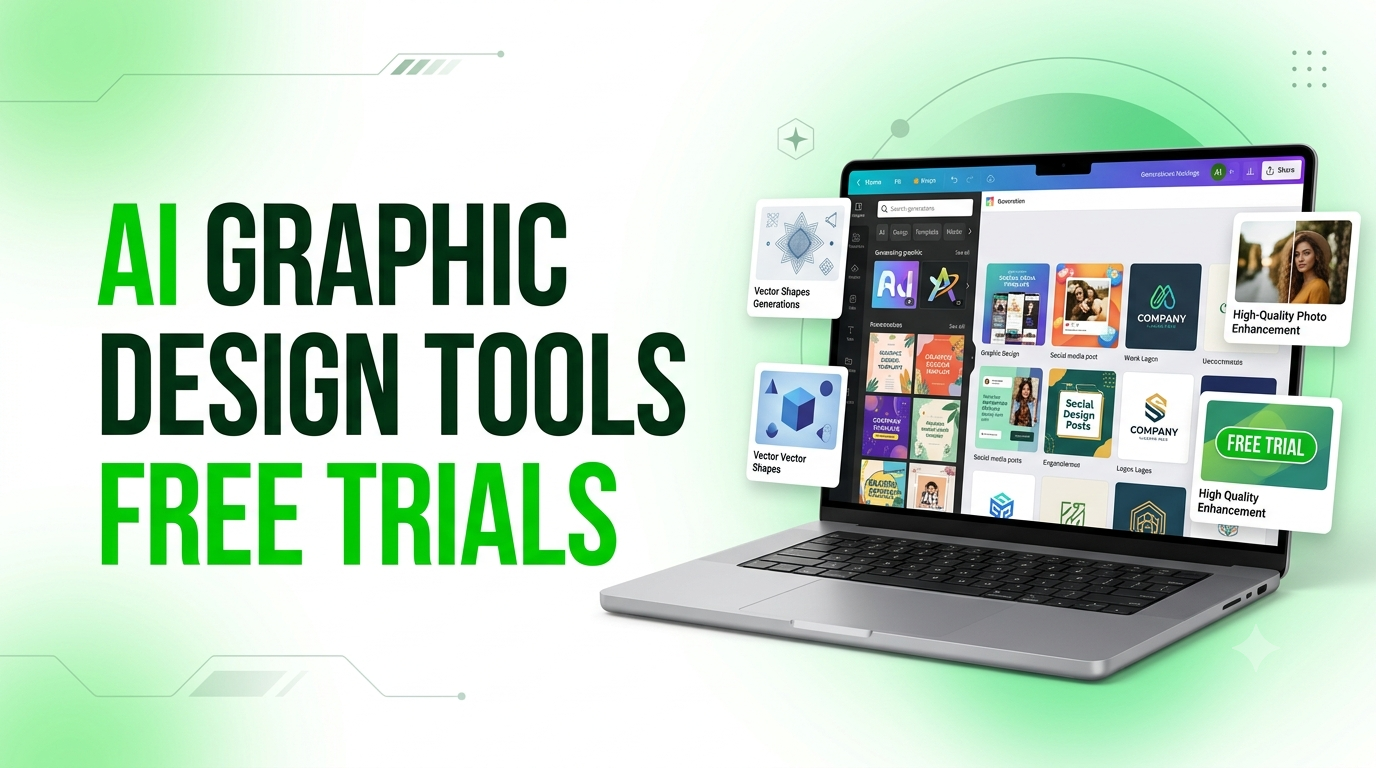
Graphic design used to mean hours in Photoshop or hiring a freelancer for every small task. That has changed. AI-powered design tools now let marketers, small business owners, content creators and agencies create logos, social media posts, illustrations and high-resolution images in minutes.
For Indian businesses, this is a big advantage. Whether you run a boutique in Jaipur, a coaching institute in Kota, a D2C brand in Bengaluru or a real estate firm in Delhi NCR, you need fresh creatives for Instagram, Facebook, WhatsApp and Google Ads all year round, especially around festive seasons like Diwali, Holi and Raksha Bandhan. AI tools help you do this faster and at a lower cost.
Most of these tools also let you try before you buy. In this guide, Kiefads walks you through five popular AI graphic design tools that offer free trials or free plans: what you get, who each tool suits, and what to watch out for before you sign up.
Quick note: Trial lengths, credit limits and prices change often and can differ by region. Always confirm the current offer on the tool’s official pricing page before signing up.
Why Use AI Graphic Design Tools?
- Save time: Create a social media post or banner in minutes instead of hours.
- Save money: Reduce dependence on expensive design software and per-design freelancer fees.
- Stay consistent: Brand kits and style tools keep your logo, fonts and colours uniform across platforms.
- Scale content: Produce more ad creatives for testing on Google and Meta Ads.
- No steep learning curve: Most tools work with simple prompts and drag-and-drop editors.
1. Canva: Best for Beginners and High-Volume Social Content
Canva is one of the most popular design platforms in the world, used by beginners, marketers, students and professional designers alike. Its free plan has no time limit, but Canva Pro unlocks the strongest AI features.
Free trial duration: Canva Pro has typically offered a 30-day free trial for new users. Canva for Teams often has a similar trial window with added collaboration and brand management tools.
What you get during the trial:
- Access to Magic Studio, Canva’s AI suite, including Magic Design, Magic Write, Magic Eraser and Magic Media (AI image and video generation)
- A large library of premium templates
- Premium stock photos, videos, audio tracks and graphics
- Background remover and Magic Resize for repurposing designs across formats
- Brand Kit for storing logos, fonts and colours
- Mobile and desktop apps
Who it’s for: Small businesses, social media managers, content creators and teams that need many polished visuals quickly. It is less suited to pixel-precise print production or advanced vector editing.
Good to know: Cancel before the trial ends if you do not want to be billed. Canva usually keeps Pro features active for the full trial period even if you cancel early, so there is no benefit to waiting until the last day.
2. Adobe Firefly: Best for Commercially Safe AI Images
Adobe Firefly is Adobe’s generative AI engine, built into Photoshop, Illustrator and Adobe Express, and also available as a standalone web app. It is trained on licensed content and Adobe Stock, which makes it popular with businesses that need commercially safe AI imagery.
Free trial duration: Firefly has a free tier with a limited number of generative credits each month. Adobe has also commonly offered trials of around 7 days on paid Firefly and Creative Cloud plans, with full access to premium features and credits.
What you get during the trial:
- Text-to-image generation using Firefly’s own models
- Generative Fill and Generative Expand (also available inside Photoshop)
- Text effects, generative recolouring and vector recolouring
- Access to premium partner AI models, depending on the plan
- Commercially safe output with IP indemnification on eligible plans
Who it’s for: Creative professionals, marketing teams and agencies already using Adobe apps. If you already work in Photoshop or Illustrator, Firefly is a natural extension. It is a less natural starting point for complete beginners.
Good to know: Adobe’s pricing and trial terms change fairly often, and regional promotions vary. Check the official Firefly pricing page for India before signing up.
3. Kittl: Best for Typography, Logos and Merch Designs
Kittl is the go-to AI design tool for typography-heavy work such as logos, badges, vintage-style graphics, t-shirt and merchandise designs, and print-ready artwork. It combines a Canva-style editor with AI text-to-vector generation, background removal and object cleanup.
Free trial duration: Kittl offers a trial on its Pro plan alongside a permanent free tier for personal, non-commercial use. Trial length varies by promotion, so confirm the current offer on Kittl’s pricing page.
What you get during the trial:
- AI text-to-image and text-to-vector generation
- Magic recolouring to instantly change a design’s colour palette
- High-resolution and vector (SVG) exports
- A large mockup library for showcasing products
- Commercial usage rights for output created during the trial (verify the current terms)
Who it’s for: Print-on-demand sellers, merch designers, and anyone who wants strong typography control without learning Adobe Illustrator. It is not the best fit for quick social media graphics, where Canva is more efficient.
Good to know: Kittl’s free plan limits exports to low resolution and blocks vector downloads. It works as a testing ground but not for finished professional output.
4. Recraft: Best for Editable Vector Graphics and Brand Consistency
Recraft is a newer, fast-growing AI design platform known for generating editable vector graphics, icons and illustrations with strong style consistency across a project. That makes it useful for building a full brand identity rather than one-off images.
Free trial duration: Recraft runs on a freemium model. The free plan refreshes a set number of credits daily, so there is no time-limited trial. You can explore the core tools at no cost.
What you get on the free plan:
- Daily AI generation credits for images and vector graphics
- Native SVG and Lottie vector output, editable in Illustrator, Figma or Sketch
- Style-locking tools to keep a consistent visual identity across generations
- Access to multiple AI models for different styles
Who it’s for: Graphic designers, brand identity specialists and marketing teams who need scalable vector output rather than flat images.
Good to know: Images generated on the free plan are typically public and do not include commercial usage rights. You will need a paid plan for private, commercially licensed output.
5. Let’s Enhance: Best for Upscaling and Photo Enhancement
Let’s Enhance is a specialised AI tool for image upscaling and photo enhancement rather than creating designs from scratch. It is especially useful for e-commerce sellers, photographers and anyone working with low-resolution images.
Free trial duration: New users typically receive free credits on signup (around 10 at the time of writing), which work as a no-cost trial. No credit card has generally been required to start.
What you get during the trial:
- AI upscaling of images, up to 16x the original resolution
- Specialised models for general photography, old photo restoration and digital art
- Automatic colour, lighting and detail correction
- Batch processing for multiple images
Who it’s for: Photographers preparing images for print, online sellers on marketplaces like Amazon, Flipkart and Meesho who need crisp product photos, and anyone restoring old family photographs.
Good to know: Free trial output usually carries a watermark, and low-quality source images can take a few minutes to process. Test with a real sample image before upgrading.
Quick Comparison: Which Tool Should You Choose?
| Tool | Best For | Free Option | Commercial Use on Free Plan |
|---|---|---|---|
| Canva | Social posts, beginners, teams | Free plan + Pro trial | Check licence terms |
| Adobe Firefly | Professional, commercially safe AI images | Free credits + paid-plan trials | Check plan terms |
| Kittl | Logos, typography, merch | Free plan + Pro trial | Limited on free plan |
| Recraft | Vectors, icons, brand consistency | Daily free credits | No |
| Let’s Enhance | Photo upscaling and restoration | Free signup credits | Watermarked output |
Tips for Indian Users Before Starting a Free Trial
- Check billing details: Many trials ask for a card or UPI autopay mandate upfront. Confirm whether charges are in USD or INR and whether international transaction fees apply to your card.
- Set a reminder: Note the trial end date a day or two before it expires so you can cancel in time.
- Test with real work: Use an actual festival post, product photo or ad creative from your business, not just sample prompts.
- Check licensing: If you create content for clients or products you sell, confirm commercial usage rights before publishing.
- Test local relevance: Try designs with Hindi or Hinglish text, Indian festival themes and Indian audiences in mind.
Need Expert Help Beyond AI Tools?
AI design tools are excellent for speeding up everyday content creation, but a strong, consistent brand identity across platforms still benefits from expert strategy and execution. Tools can generate images. They cannot decide your positioning, your audience or your ad strategy.
If you want professional support, Kiefads helps businesses across India with graphic design, branding, social media management, SEO and paid advertising on Google and Meta. Combining the speed of AI tools with an experienced marketing team gives you faster output without losing quality or brand consistency.
Ready to level up your brand’s visuals and marketing? Contact Kiefads today for a free consultation.
Frequently Asked Questions
Which AI design tool is easiest for a complete beginner?
Canva is the most beginner-friendly. Its drag-and-drop editor, ready-made templates and AI-powered Magic Design tools mean you need no prior design experience.
Do I need to enter my card details to start these free trials?
It depends on the tool. Canva Pro and Adobe’s paid-plan trials typically require payment details upfront and bill you automatically unless you cancel in time. Let’s Enhance and Recraft’s free tiers generally do not require a card.
Which tool is best for creating a logo or brand identity?
Kittl and Recraft are the strongest options. Kittl’s typography tools and Recraft’s vector output with style-locking suit logos, icon sets and brand assets that need to scale cleanly.
Can I use images generated during a free trial for commercial projects?
It varies by tool and plan. Adobe Firefly’s paid tiers include commercial rights, and Canva Pro covers premium assets under its licence terms. Free tiers on Recraft and Kittl often restrict commercial use, so read the terms first.
What happens if I forget to cancel before the trial ends?
Most platforms, including Canva and Adobe, charge your payment method once the trial ends and convert you to a paid plan. Set a reminder to avoid surprise charges.
Which tool is best if I only need to improve an existing photo?
Let’s Enhance is built for upscaling, sharpening and restoring existing images, which makes it a better fit than design platforms if enhancement is your only goal.
Can small businesses in India rely on free trials instead of hiring a designer?
Free trials work for testing tools or handling occasional needs, but they are time-limited and often restrict commercial use. For consistent branding across social media, ads and websites, most businesses eventually need a paid plan or professional support from an agency like Kiefads.
Are free AI design tools safe for business use?
They can be, as long as you check licensing and commercial usage terms. Tools trained on licensed content, such as Adobe Firefly, are often preferred for business work.
Final Thoughts
AI design tools have made professional-looking graphics accessible to every business in India. Canva suits fast social content, Adobe Firefly suits commercially safe imagery, Kittl suits typography and merch, Recraft suits vector and brand work, and Let’s Enhance suits photo upscaling. Start with free trials, test them on real projects, and choose the one that fits your workflow and budget.