
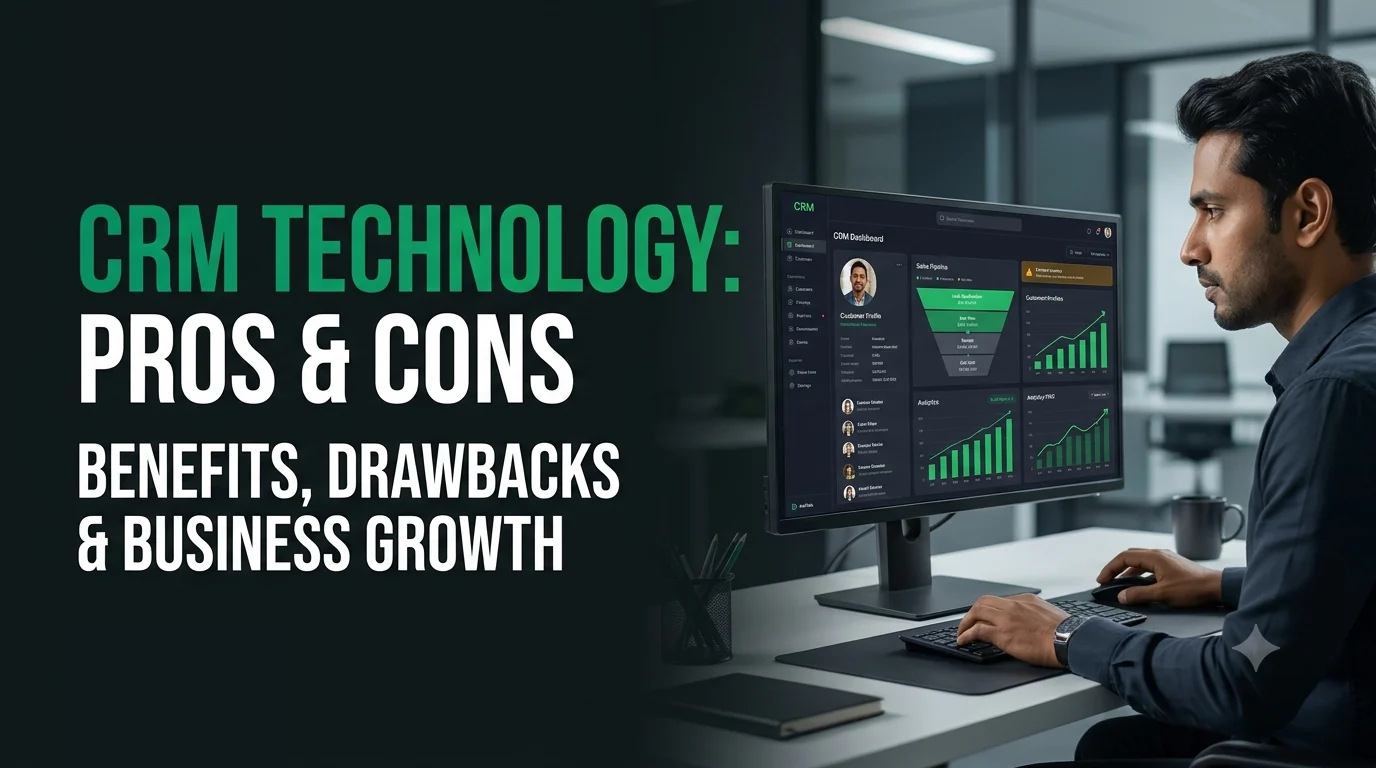
In today’s market, managing customers is about far more than selling a product. It is about building and maintaining relationships. That is where Customer Relationship Management (CRM) technology comes in.
A CRM system helps businesses improve sales, organise customer-related work, and raise overall efficiency. Like any technology, though, it has both strengths and limitations. This guide explains the benefits and drawbacks of CRM in simple terms, so you can decide whether it suits your business. Kiefads helps Indian businesses plan and build CRM solutions around their real workflows.
What Is CRM Technology?
CRM is software that helps businesses manage customer data, communication, and sales processes in one place. Instead of tracking leads in Excel sheets, WhatsApp chats, and scattered emails, a CRM brings everything into one centralised system.
With a CRM, you can easily see:
- Who your customer is
- What they bought and when
- When they last contacted you
- Which follow-ups are pending
- Which leads are most likely to convert
For Indian businesses handling enquiries from calls, WhatsApp, websites, social media, and walk-ins, this single view can make a big difference.
Why Businesses Are Talking About CRM
Customers now expect quick replies, personal attention, and consistency. Teams in real estate, education, healthcare, manufacturing, e-commerce, and services often lose leads simply because follow-ups are missed or data is scattered. CRM addresses this by making every interaction visible, trackable, and measurable.
The Real Benefits of CRM Technology
1. Better Customer Relationships Without Guesswork
Your team can see the complete customer history in seconds. Customers no longer have to repeat their problems again and again. When people feel understood, they trust your brand more, and stronger relationships often lead to repeat business and referrals.
2. A Sales Team That Stays Organised and Focused
A CRM tracks leads from first enquiry to final conversion. Managers can monitor:
- Which deals are in progress
- Which leads need follow-up
- Which sales representatives are performing well
- Where leads are getting stuck in the pipeline
Everything becomes measurable, which improves accountability and supports revenue growth.
3. Automation That Saves Hours Every Week
Many repetitive tasks can run automatically inside a CRM, such as:
- Follow-up emails and reminders
- WhatsApp and SMS notifications (where integrated)
- Task assignment to team members
- Lead distribution among sales reps
- Scheduled reports
This reduces manual work, so your team can focus on strategy and real conversations.
4. All Customer Data in One Safe Place
Instead of data spread across departments and devices, a CRM centralises everything. Marketing, sales, and support teams see the same information, which improves coordination. It also protects you when employees leave, since customer data stays with the company, not in someone’s personal phone.
5. Smarter Decisions with Real Data
Modern CRMs offer dashboards and reports. You can track:
- Conversion rates
- Sales performance by person, product, or source
- Cost per lead and return on marketing spend
- Customer behaviour and buying patterns
Decisions based on real numbers, not assumptions, support strategic growth.
6. Improved Marketing and Lead Quality
CRM shows which campaigns, such as Google Ads, Meta Ads, SEO, or referrals, bring leads that actually become customers. You can then put your budget where it works.
7. Better Customer Service and Retention
Support teams can track tickets, past issues, and service history. Faster, more informed responses lead to happier customers and better retention.
8. Scalability as You Grow
A good CRM grows with you, handling more leads, users, and processes without chaos.
The Drawbacks You Should Know Before Investing
1. It Can Be Expensive at the Beginning
CRM is an investment. Costs may include subscriptions (often per user per month), setup fees, customisation, integrations, and training. For small businesses, this may feel heavy at first, so evaluate your budget and expected return before choosing.
2. Implementation Takes Time and Effort
Installing a CRM is not just creating an account. It involves data migration, workflow setup, integrations, team training, and changes in how people work. Without planning, the system can become complicated and underused.
3. Employees May Resist Change
Some employees find CRM complicated or unnecessary at first, especially if they are used to Excel or personal notes. Without training and management support, adoption can be slow, and incomplete data makes the system less useful.
4. Data Security Responsibility Increases
A CRM stores sensitive customer data. Businesses must use proper access controls, backups, and security practices, and comply with data protection rules such as India’s Digital Personal Data Protection Act, 2023. A breach can damage your reputation and trust.
5. Too Much Automation Can Feel Robotic
Overusing automation can make communication feel impersonal. Customers still value human interaction. CRM should support relationships, not replace genuine conversations.
6. Ready-Made Tools May Not Fit Your Process
Off-the-shelf CRMs often include features you do not need and miss ones you do. You may end up changing your workflow to suit the software, or paying extra for add-ons.
7. Poor Data Quality Leads to Poor Results
A CRM is only as good as the data in it. Duplicate, outdated, or incomplete records reduce trust in reports and slow down teams.
Benefits vs Drawbacks at a Glance
| Area | Benefit | Possible Drawback |
|---|---|---|
| Customer relationships | Full history in seconds | Needs consistent data entry |
| Sales | Clear pipeline and accountability | Team may resist tracking |
| Automation | Saves hours every week | Can feel impersonal if overused |
| Data | Centralised and organised | Security responsibility rises |
| Reporting | Real numbers for decisions | Poor data gives poor insights |
| Cost | Long-term efficiency and growth | Upfront and recurring expenses |
Custom CRM vs Ready-Made CRM
| Factor | Ready-Made CRM | Custom CRM |
|---|---|---|
| Setup speed | Fast | Takes longer to build |
| Fit to your workflow | Partial | Built around your process |
| Cost pattern | Recurring per-user fees | Higher upfront, more control over long-term cost |
| Flexibility | Limited by the vendor | Features added as you grow |
| Integrations | Depends on available plugins | Built for your tools (WhatsApp, ERP, accounting, website) |
A ready-made CRM can work well for simple needs and quick starts. A custom CRM is worth considering when your sales process is unique, you need specific integrations, or you want full control over data and features.
Is CRM the Right Choice for Your Business?
CRM is powerful, but it is not magic. It works best when:
- The system matches your business size and goals
- Your team is trained properly
- Data is updated regularly
- Management actively supports its use
- You start with clear goals, such as faster follow-ups or higher conversions
If used well, CRM becomes a growth engine. If ignored or poorly managed, it becomes an unused expense.
How to Choose and Implement a CRM Successfully
- Define your goals. Decide what you want to improve: lead follow-up, sales tracking, support, or reporting.
- Map your process. Document how leads move from enquiry to sale.
- List must-have features. Examples include lead capture, WhatsApp and email integration, reminders, dashboards, and user roles.
- Compare options. Weigh ready-made against custom, including long-term cost.
- Plan data migration. Clean your existing data before importing.
- Train your team. Keep training simple and practical.
- Start small. Launch core features first, then expand.
- Review regularly. Track adoption and results, and refine the system.
How Kiefads Can Help
If you want maximum benefit without the limits of ready-made tools, a custom solution built around your needs can help. Kiefads designs and develops CRM systems for startups, SMEs, and growing businesses across Delhi NCR and India.
Our CRM services include:
- CRM consultation and process mapping: Understanding your workflows and goals
- Custom CRM development: Systems built for your sales, support, and reporting needs
- Lead capture integration: Website forms, landing pages, Google Ads, Meta Ads, and WhatsApp
- Automation setup: Follow-ups, reminders, task assignment, and notifications
- Dashboards and reporting: Clear views of sales, sources, and team performance
- Third-party integrations: Email, payment gateways, accounting, ERP, and telephony tools
- Data migration and training: Smooth onboarding for your team
- Security and access control: Role-based permissions and data protection practices
- Support and updates: Ongoing maintenance and improvements as you grow
Ready to build a CRM that fits your business? Contact Kiefads today for a free consultation and a customised proposal.
Frequently Asked Questions (FAQs)
1. What is CRM technology?
It is software that stores customer data, tracks communication, and manages sales processes in one place, helping teams build better relationships and close more deals.
2. What are the main benefits of CRM?
Better customer relationships, organised sales pipelines, time-saving automation, centralised data, and decisions based on real reports.
3. What are the main drawbacks of CRM?
Upfront and recurring costs, implementation effort, employee resistance, data security responsibility, and the risk of impersonal communication from overusing automation.
4. Is CRM suitable for small businesses in India?
Yes, if it matches your size and budget. Even a simple CRM can replace scattered spreadsheets and prevent missed follow-ups.
5. How much does a CRM cost?
Cost depends on users, features, customisation, and integrations. Ready-made tools often charge per user per month, while custom CRMs involve development cost. Kiefads provides customised quotes based on your needs.
6. Should I choose a custom CRM or a ready-made one?
Ready-made suits simple, quick needs. Custom suits unique workflows, special integrations, and long-term control.
7. How long does CRM implementation take?
It varies with complexity, data volume, and integrations. Simple setups can take a few weeks, while custom systems take longer.
8. How can I get my team to use the CRM?
Involve them early, provide simple training, keep the system easy, and have managers use CRM data in daily reviews.
9. Is my customer data safe in a CRM?
It can be, with strong access controls, backups, secure hosting, and compliance practices. Always confirm security measures with your provider.
10. Can a CRM integrate with WhatsApp and my website?
Yes. Many CRMs, especially custom ones, can capture leads from websites and ads and connect with WhatsApp, email, and other tools.
Final Thoughts
CRM technology builds stronger customer relationships, improves sales tracking, and boosts team productivity. Automation saves time, but it should always support the human touch customers value. Success needs the right investment, careful planning, patience, and team training, along with consistent data management and security. With a partner like Kiefads, you can build a CRM exactly around your workflows and future goals.
Contact Kiefads now and start building a CRM that grows with your business.