
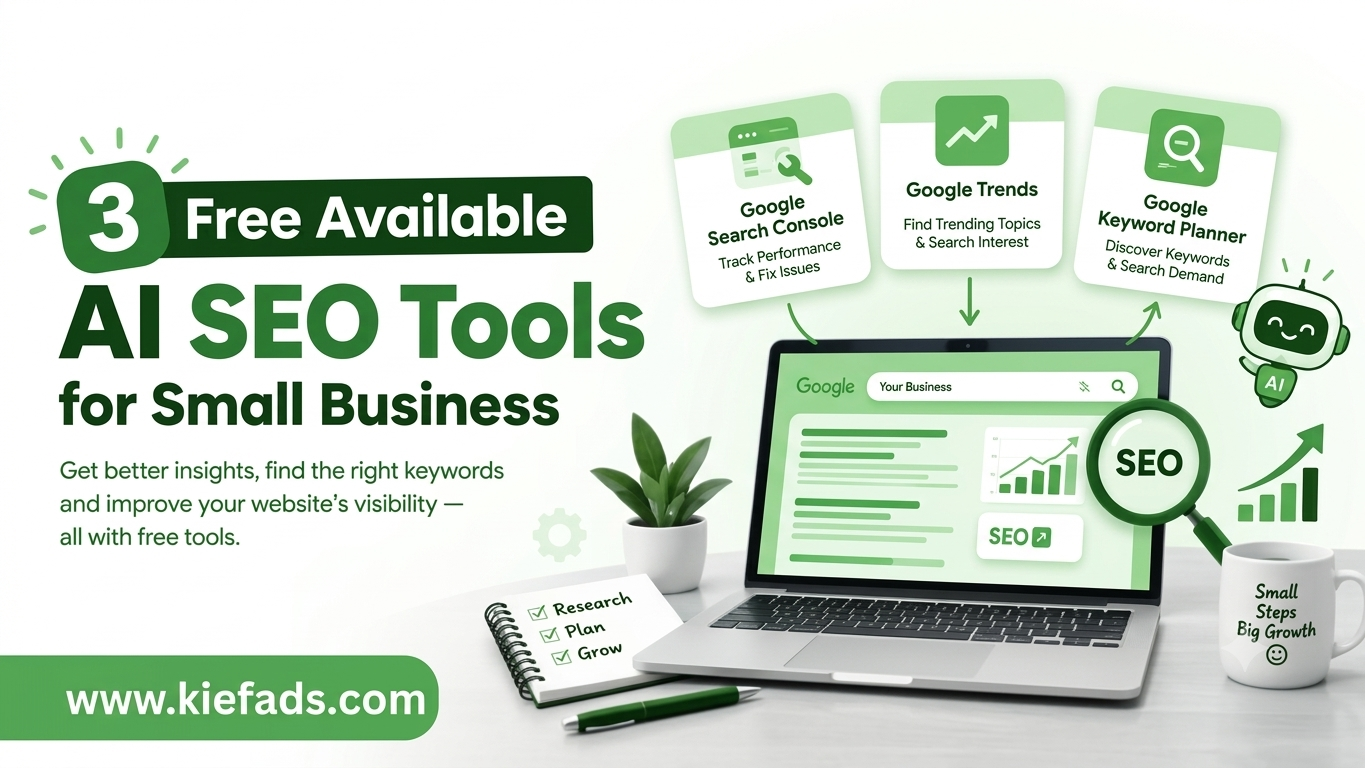
If you’re a small business looking for free AI SEO tools, three are worth starting with: Google Search Console, Google Trends, and Google Keyword Planner. None of them cost anything, and — unlike a couple of years ago — two of them now have real AI built into the interface, not just AI in the marketing copy. Together they answer the three questions every small business needs answered before paying for an SEO platform: how is my site actually doing, what are people searching for, and which of those searches are worth chasing.
The goal isn’t to collect every free tool you can find. It’s to use a small set of them properly and turn what they tell you into real changes on your website.
Key Takeaways
- Google Search Console shows how your site performs in Google Search — and now reports on your visibility inside AI Overviews and AI Mode too.
- Google Trends helps you research demand, and since a January 2026 redesign, has a Gemini-powered panel that suggests related search terms for you automatically.
- Google Keyword Planner is free to use without ever running a paid ad, though exact search volumes only appear once billing details are added.
- These are genuinely useful starting tools, but none of them write your content, fix your site structure, or understand your customers for you.
- The real value comes from an ongoing cycle — research, create, measure, improve — not from any single tool on its own.
The 3 Free AI SEO Tools at a Glance
- Google Search Console — understand how your existing site performs in Search, including in AI-generated results.
- Google Trends — research demand, seasonality, and rising topics, with Gemini now doing some of the digging.
- Google Keyword Planner — turn topic ideas into an actual keyword list, grouped by what people mean when they search.
One honest note: only two of these three have AI actually built in. Keyword Planner is still a traditional data tool. All three earn a spot here because, for a small business, useful search data matters more than whether “AI” is in the name.
1. Google Search Console: See How You’re Actually Doing
Search Console is the starting point for any business that already has a live website. It’s where Google tells you, directly, how your pages show up in its results — which queries bring impressions, how many turn into clicks, where you rank, and whether Google is hitting problems crawling or indexing your pages.
What You Can Check
- Search queries driving impressions and clicks
- Click-through rate and average position, by page or query
- Which pages are indexed, and which are excluded (and why)
- Sitemap status and crawl errors
- Mobile usability and Core Web Vitals issues
- Performance trends over time
What’s New: Search Console Can Now See AI Overviews Too
Two changes in the past year make this tool more useful than it used to be. First, Search Console added an experimental feature that lets you build a report by describing what you want in plain language instead of clicking through filters — asking something like “show mobile clicks from last month” and having the report configure itself. That AI-powered report builder began rolling out in early December 2025 and has been expanding gradually since. dataslayer
Second, and more relevant to AI-era SEO: Search Console now includes a dedicated report on how often a site’s pages appear inside Google’s generative AI features on Search and Discover, including AI Overviews and AI Mode, with that same visibility also folded into the main Performance report. The report breaks results down by page, country, device, and date, but doesn’t currently show which clicks or queries were involved — so it confirms you’re being pulled into an AI answer, just not yet exactly what that cost or earned you in clicks. It’s still a real first-party number where small businesses previously had only guesswork. googlesearchengineland
How a Small Business Should Use It
Say a service page gets 800 impressions a month but only a handful of clicks. That’s worth investigating: does the title tag accurately describe what’s on the page? Does the meta description give someone a reason to click? Does the page even match what the searcher was looking for?
The reverse matters just as much. If a page gets clicks but no enquiries, the issue usually isn’t rankings — it’s what happens after someone lands. Unclear information, missing trust signals (reviews, credentials, pricing), or a confusing path to contact you can quietly cap your results.
Best use: find out what’s already working, and pinpoint exactly which pages need attention.
2. Google Trends: Find Out What People Actually Want
Where Search Console looks backward at your own site, Trends looks outward at demand. It shows how interest in a topic rises and falls over time, how it varies by region, and what related searches people are also making — pulled from real Google search activity rather than estimates.
What You Can Research
- Search interest over time, for one term or several compared side by side
- Seasonal patterns, useful for planning content months ahead
- Related topics and related queries
- Regional and city-level interest
- Rising and breakout searches
What’s New: Gemini Does the First Pass for You
Google rebuilt the Trends Explore page around Gemini in mid-January 2026, rolling out a side panel that automatically populates up to eight related search terms for whatever topic you enter and compares them on one graph. Instead of manually guessing which related terms to check, you type your general area of interest and Gemini surfaces the adjacent searches worth comparing, plus follow-up prompts to push the analysis further. Google followed that up in August 2026 with interactive maps on the Explore page for a clearer view of regional search interest. dataconomyseroundtable
For a small business, that means less time guessing at related keywords and more time reading the actual pattern.
How a Small Business Should Use It
Deciding between two blog topics? Plug both into Trends and see which one has genuine, sustained interest versus one that only spikes once a year. If your business is seasonal — landscaping, tax prep, holiday gifting — use the historical data to figure out when to start publishing, weeks before demand actually peaks.
None of this guarantees a ranking. It just replaces a guess with a pattern.
Best use: decide what to write about, and when to publish it, based on real demand rather than instinct.
3. Google Keyword Planner: Turn a Topic Into an Actual Keyword List
Keyword Planner was built for people running Google Ads, not for SEO — but its data comes straight from Google’s own ad auctions, which makes it one of the more reliable free sources of keyword ideas available, ad budget or not.
Getting Free Access (No Ad Spend Required)
- Create a free Google Ads account.
- If prompted to launch a campaign, choose Switch to Expert Mode, then Create an account without a campaign.
- Go to Tools & Settings → Planning → Keyword Planner.
Inside, you’ll find two main paths: one that brainstorms fresh keyword ideas starting from a word, phrase, or website you give it, and another that checks real search volume and forecast data for a list of terms you already have in mind. One thing worth knowing going in: search volumes typically show only as broad ranges — think 1K–10K rather than an exact figure — until billing details are added to the account, even if you never spend a cent on ads. Usually that’s enough to spot which keywords are worth pursuing. webtonicwebtonic
Reading the Data Correctly
The “competition” score is the most commonly misread metric here — it reflects how many advertisers are bidding on a term, not how hard it is to rank for organically. A keyword can look highly competitive in Keyword Planner and still be realistic to rank for in organic search, or the other way around. Treat it as a signal of commercial intent, not ranking difficulty. webtonic
How a Small Business Should Use It
If you run a web design business, don’t just search “web design.” Look at the variations — “website development company,” “custom website development,” “e-commerce website design” — and group them by what the searcher actually wants, rather than cramming every variation onto one page.
Best use: build keyword lists grouped by intent, and map each group to the page that should actually answer it.
Putting the Three Tools Together
Used alone, each tool answers a narrow question. Used together, they form a loop:
- Start in Trends to find topics with genuine, sustained demand.
- Check Keyword Planner for the actual search volume and intent behind those topics.
- Audit Search Console to see what you’re already ranking for, close to ranking for, or missing entirely.
- Create or improve one page that directly answers the query — not one stuffed with every keyword variation.
- Return to Search Console a few weeks after it’s indexed and see what actually moved.
Then repeat. The cycle matters more than any single step in it.
A Quick Win Most Small Businesses Miss: Preferred Sources
Google extended its Preferred Sources feature beyond Top Stories into AI Overviews and AI Mode in May 2026. Once a reader has personally chosen your site as a preferred source, your links can carry a visible “Preferred” badge inside AI-generated answers — and Google says badged links get roughly double the click-through of unbadged ones. ppcppc
You can’t add your own business as a preferred source yourself — that choice belongs to the searcher. But you can make it easy for people who already trust you: Google uses a simple, consistent link format for this — google.com/preferences/source?q=yourdomain.com — that takes a visitor straight to the option to mark your site as preferred. Swap in your own domain, drop that link in your newsletter or site footer, and invite loyal readers to use it. suganthan
Are Three Free Tools Actually Enough?
For getting started, yes. For running a full SEO program, not on their own. Tools give you data — they don’t tell you what to prioritize, write, or fix. You still need to:
- Understand who your customers are and what they’re trying to accomplish
- Match content to real search intent, not just keyword volume
- Create pages with genuinely useful, original information
- Fix technical issues (site speed, mobile usability, broken links)
- Build a logical site structure people and search engines can both follow
- Monitor performance and update pages that fall behind
Google’s own Search Essentials guidelines still boil down to the same idea: build a site that works well for the people using it, not just for search engines.
Where AI Actually Fits Into the Workflow
Once you’ve pulled data from these three tools, an AI assistant becomes genuinely useful for the next step — not for skipping it. A good use of AI at this stage looks like:
- Grouping a long, messy keyword list into content clusters
- Drafting a content outline based on a topic and its related searches
- Spotting the questions your page hasn’t answered yet
- Summarizing a large batch of Search Console data into a short list of pages worth fixing
- Suggesting internal links between pages you already have
What it shouldn’t do is publish without a human checking it. Every fact, statistic, and claim still needs someone from your business to verify it’s accurate and actually reflects what you do.
What to Avoid
- Publishing large volumes of thin pages just because AI can produce them quickly
- Keyword stuffing instead of writing for the actual searcher
- Copying competitor content, or rewriting the same page repeatedly with small tweaks
- Publishing facts or statistics you haven’t verified
- Targeting keywords that have nothing to do with what you actually offer
- Using AI-generated drafts without editing them for accuracy and voice
Do You Need Paid SEO Tools Too?
Eventually, maybe. Paid platforms add larger keyword databases, backlink data, and competitor tracking that free tools don’t offer, and they earn their keep once a business has outgrown the basics. But you don’t need to buy anything before you’ve properly used what’s already free — most small businesses get months of useful work out of these three tools before a paid subscription is worth it.
How Kiefads Approaches AI-Assisted SEO
Free tools tell you what’s happening. They don’t tell you what to do about it. That’s usually where a small business gets stuck — staring at a Search Console report that shows plenty of impressions and almost no clicks, with no clear next step.
That’s the gap Kiefads works in: turning Search Console, Trends, and Keyword Planner data into an actual plan — fixing the technical issues quietly capping performance, mapping keyword groups to the right pages, and prioritizing the changes that move the needle first instead of handing over a generic list of “SEO tips.” AI speeds up the research and the drafting. It doesn’t replace the judgment of knowing which two or three things actually matter for your business this month.
FAQ
Are Search Console, Trends, and Keyword Planner really “AI” tools?
Two of them now are. Trends has Gemini built into its Explore page, and Search Console has both an AI-powered report builder and dedicated AI Overviews visibility reporting. Keyword Planner remains a traditional data tool — it’s on this list because its data is genuinely useful, not because it’s AI-branded.
Can these free tools replace a paid SEO platform?
For a small business just starting out, yes, for months. They won’t give you backlink analysis or large-scale competitor tracking, which is where paid platforms earn their price.
Do I need an existing website to use them?
Trends and Keyword Planner work without one — they’re useful for researching a market before you build anything. Search Console needs a live, verified website, since it reports on your own site’s data.
How long before I see results?
Indexing alone can take days to weeks; ranking movement after a content or technical change usually takes longer, often one to three months, depending on competition and how established your site already is.
Final Takeaway
The three free tools that actually matter for small business SEO right now are Google Search Console, Google Trends, and Google Keyword Planner — and two of them now come with real AI attached. But the tools were never really the hard part. The hard part is turning what they show you into a page that answers a real question better than anyone else’s does. That’s what Kiefads focuses on: using the data these tools provide to build genuinely useful pages, not just more pages.